
Documentation
How Koestr works
Create an event, invite your guests with a QR code, and turn a night of phone cameras into one shared gallery — no app, no accounts. Here's everything you need to run it.
The big picture
1 · Create your event
Sign in, name your event and add a few photo, video or prompt challenges.
2 · Guests scan & join
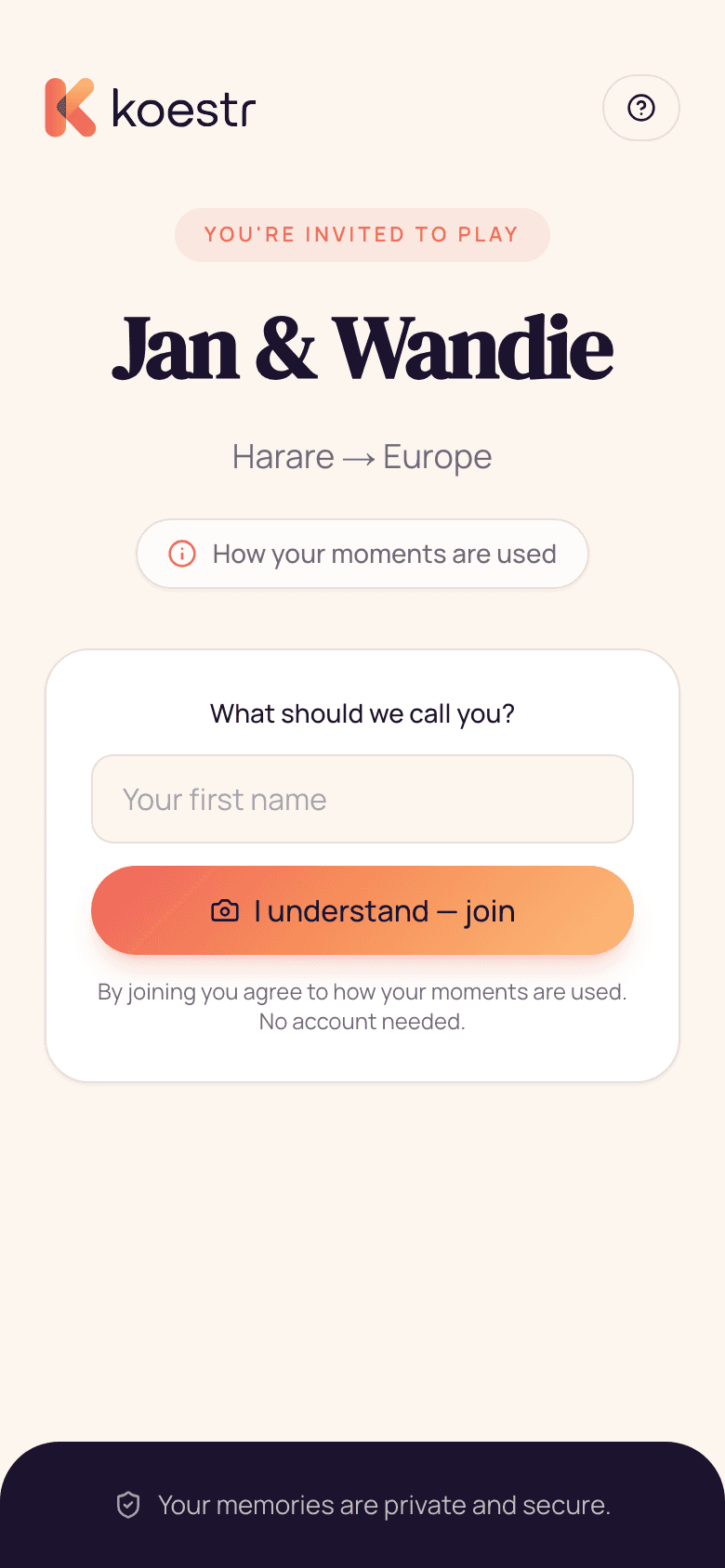
Print the QR sign or share the link. Guests join in one tap — nothing to install.
3 · Capture & celebrate
Guests snap away, you moderate and project the live wall, then download it all afterwards.
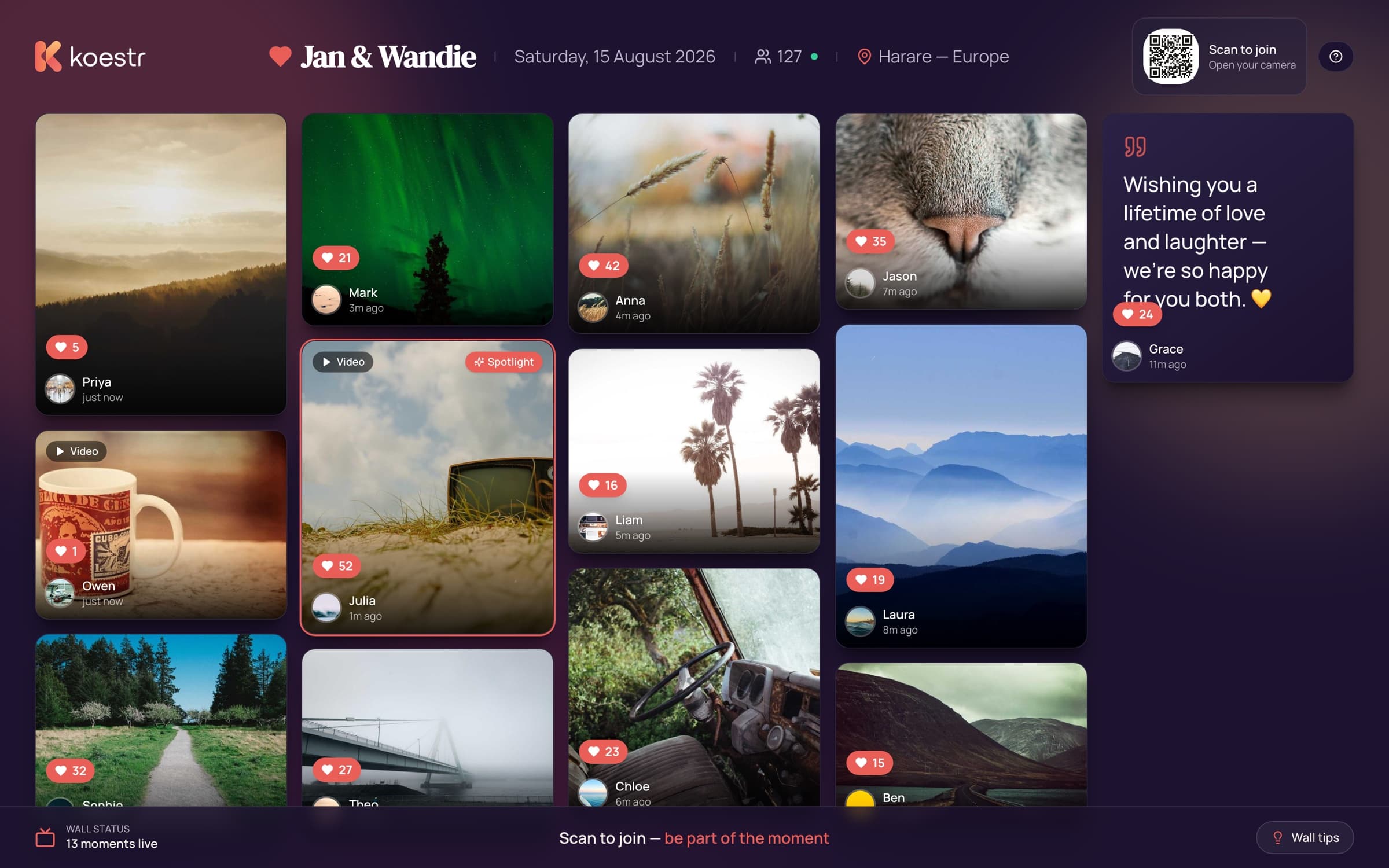
For hosts
The dashboard is where you set everything up and run the event on the night.
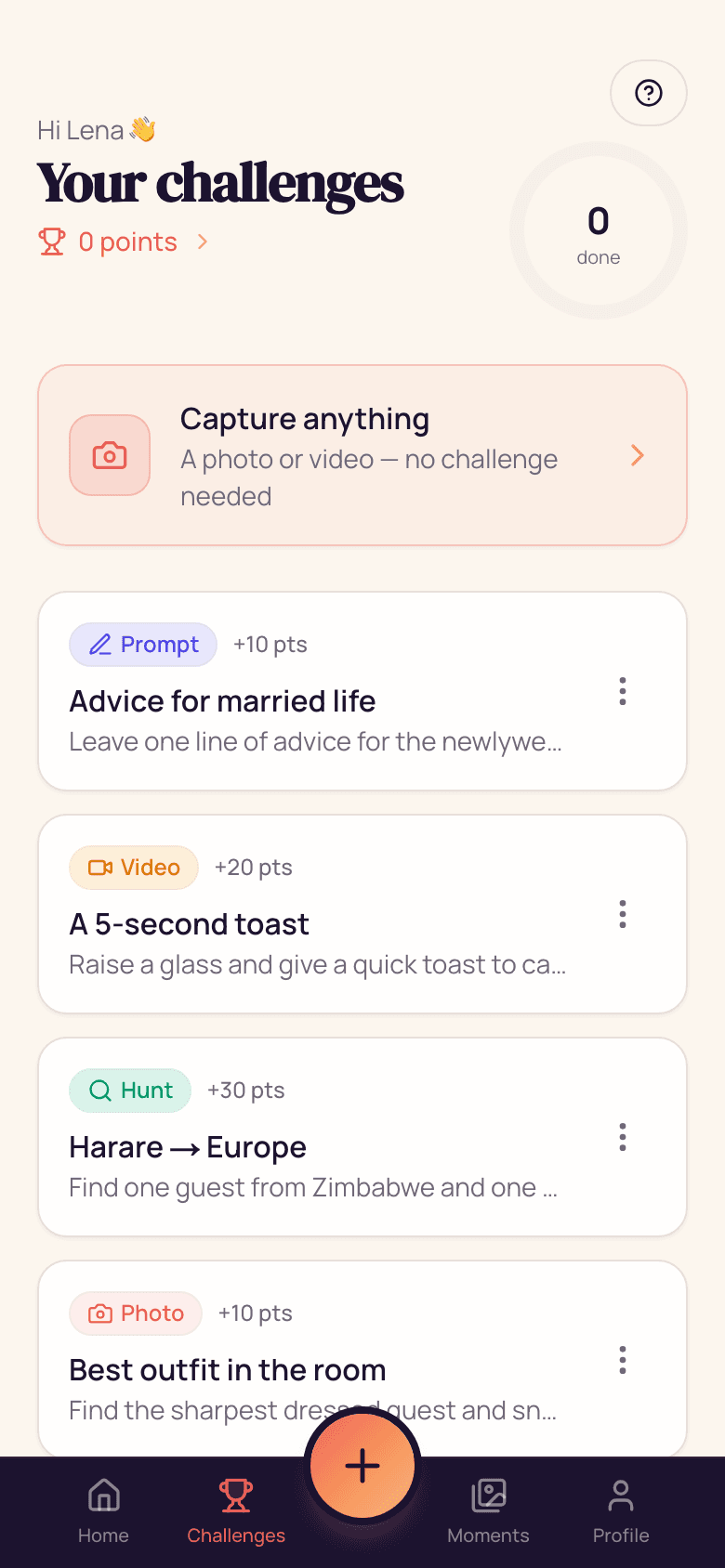
- Missions & challenges — photo, video and prompt tasks, dealt as a personalised hand or shown as one shared list, with timed reveals.
- Moderation — approve uploads before they reach the wall, or auto-approve to keep things flowing.
- Live wall — project a real-time mosaic on any screen and steer it from your phone.
- Gallery & downloads — browse everything, star highlights, and grab full-resolution photos and videos as a ZIP.
- Notifications — push announcements to guests who opted in, now or scheduled.
- Print assets — a ready-to-print QR sign and table cards.
For guests
Guests never install anything — they scan, join and start capturing.
- Join in one tap — scan, pick a name, and optionally leave an email to hear when the photos are ready.
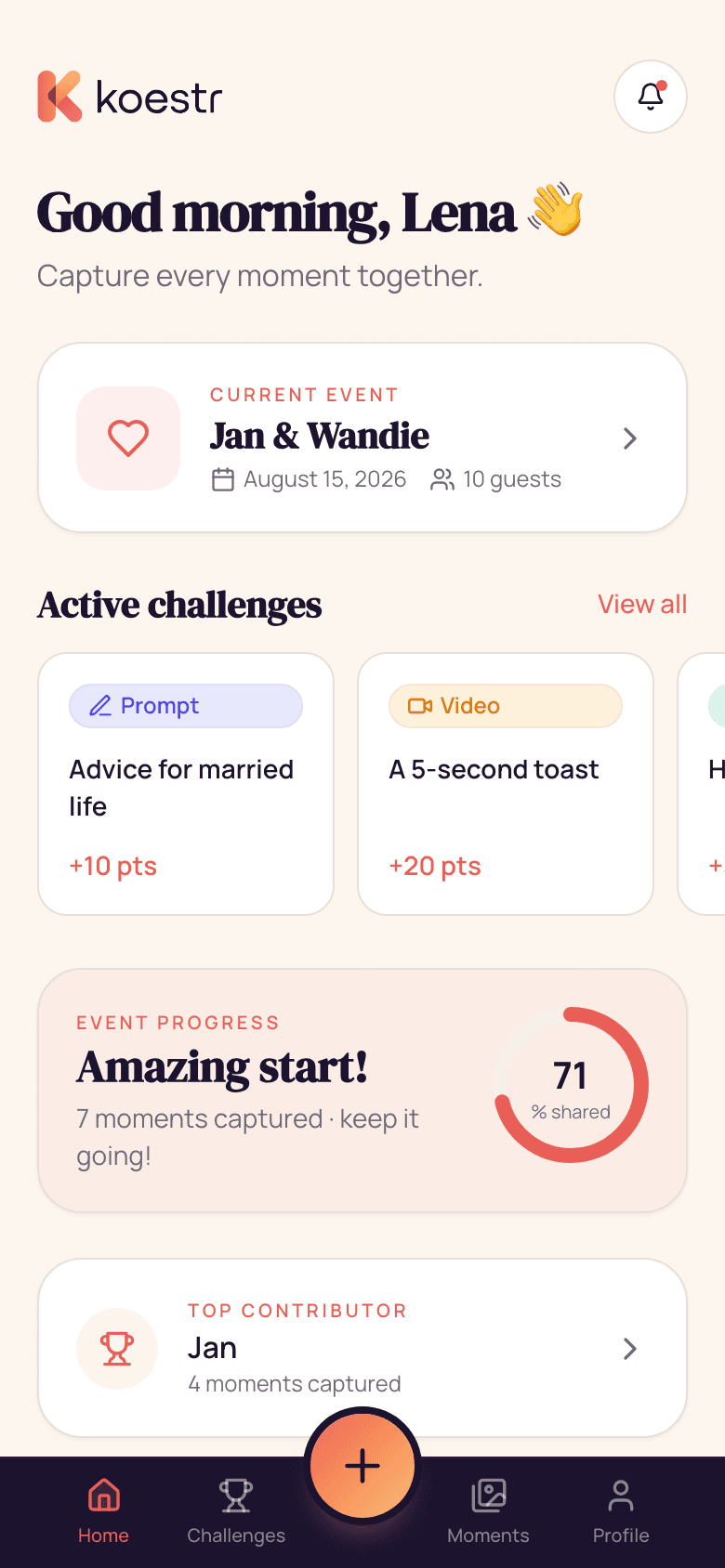
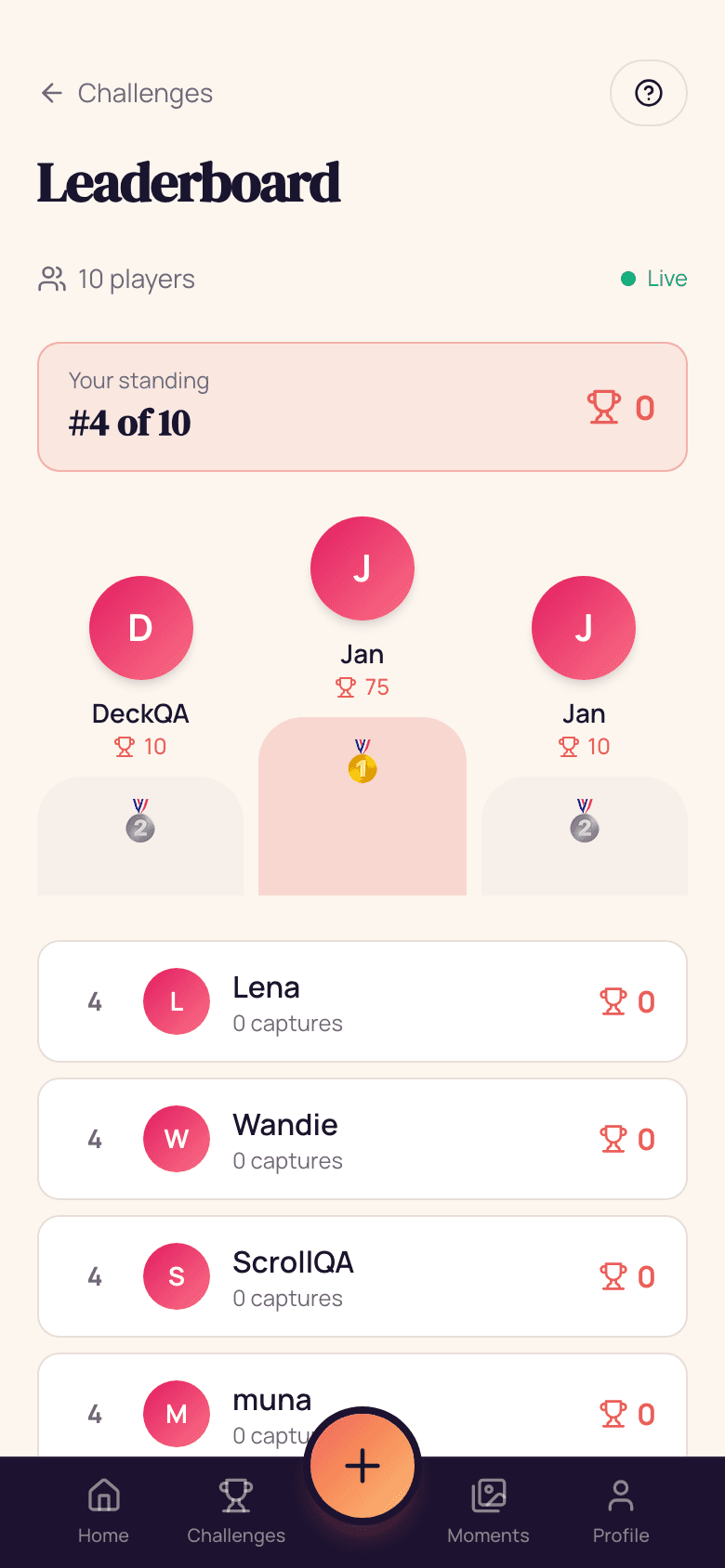
- Take on challenges — earn points and climb the leaderboard.
- Moments & hearts — see everyone's captures in one feed and heart your favourites.
- Works offline — captures queue on patchy Wi-Fi and upload when there's signal.
Privacy & consent
Guests see a clear consent screen when they join. The gallery and wall stay behind host-controlled access, and nothing is public unless you choose it to be. You can clear test content or remove anything at any time.
Frequently asked questions
Do my guests need to download an app?
No. They scan the QR, type their name, and they're in — it runs right in the browser on any phone, iPhone or Android.
What happens to the photos and videos?
Everything is saved to your private host gallery in full quality. Approved moments also appear on the live wall, and you can download the whole album as a ZIP whenever you like.
Can I control what shows up on the screen?
Yes. Choose to auto-approve, or review everything first — and hide or spotlight any moment. Uploads are AI-screened before they can reach the wall.
Is it private?
Guests see a clear consent screen when they join, you control who can view and download, and nothing is ever public unless you choose to make it so.
What do I need for the live wall?
Any screen with a browser — a TV, a projector or a laptop. Open the wall link and it fills up in real time as guests capture.
How much does it cost?
Start completely free. Paid plans are per event, so you only pay when you're actually celebrating — no subscriptions.